Services

Repairs, upgrades and troubleshooting.

Support for phones, laptops, desktops, software, malware problems and WiFi/router issues.

Detailed service list

Each service includes a clearer breakdown so clients understand what they are paying for.
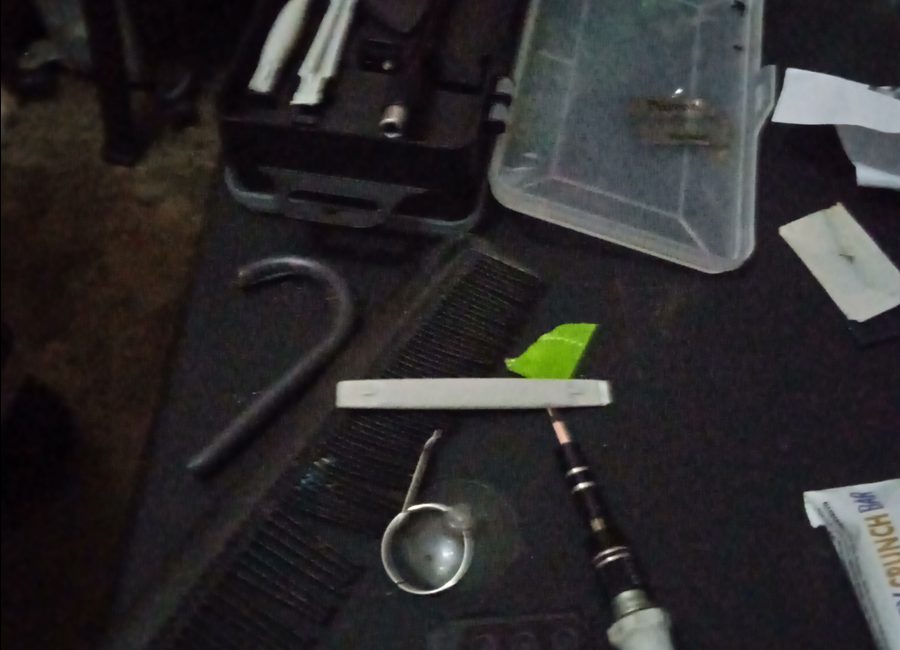
Phone repair work

Phone Repairs

Battery, charging, screen-related support and general phone troubleshooting.

  • Battery and charging checks
  • Screen-related diagnosis
  • Basic phone setup and cleanup
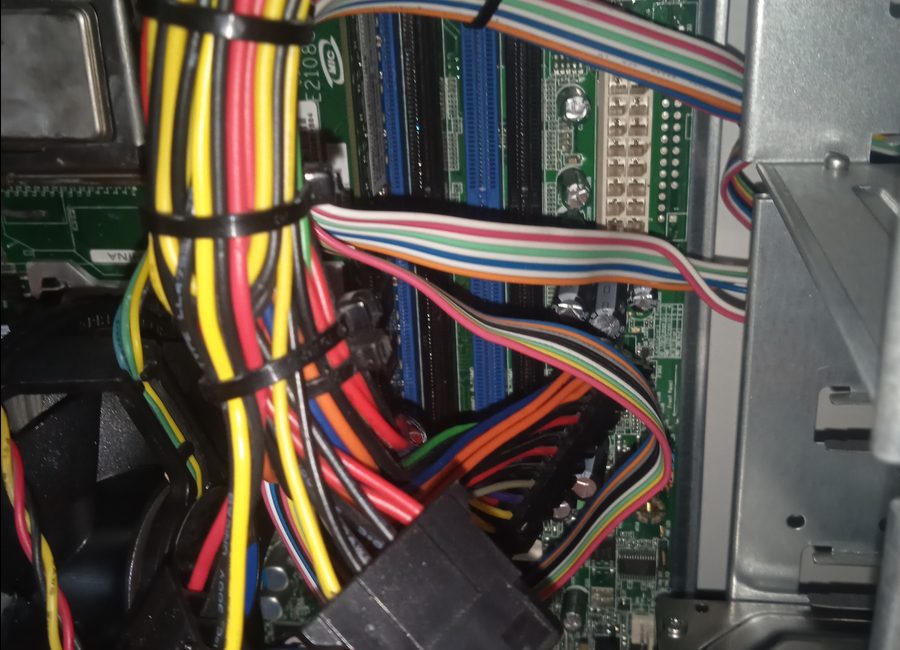
Desktop computer wiring

PC & Desktop Repairs

Hardware checks, wiring checks, cleaning, diagnostics and upgrade support.

  • Power and display checks
  • Internal wiring inspection
  • Cleaning and performance checks
Component level repair

Component-Level Work

Board inspection, small component checks, diagnostics and repair guidance.

  • Board visual inspection
  • Connector and component checks
  • Advice before replacement
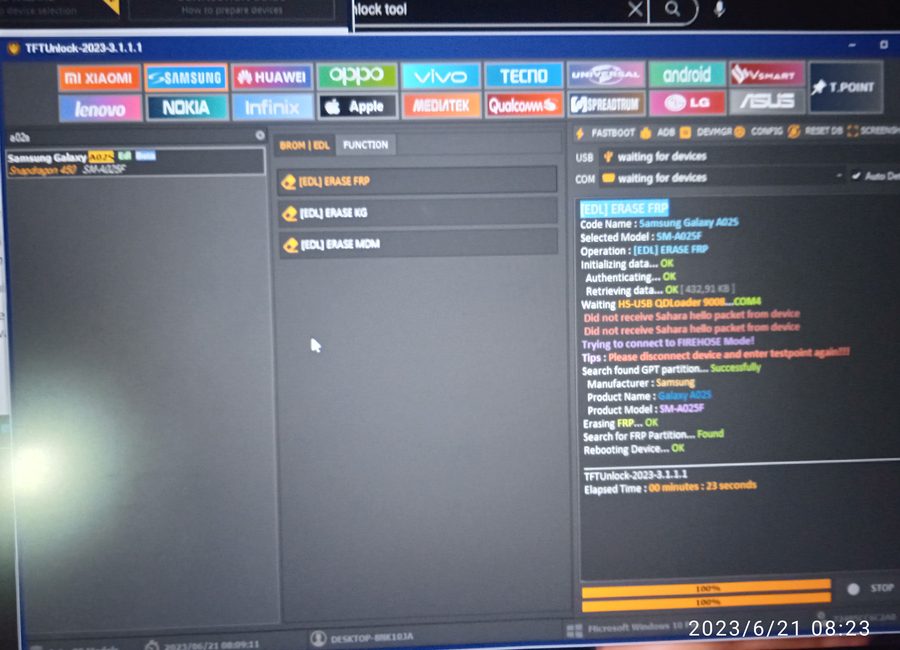
Software setup screen

Software & OS

Windows setup, drivers, basic software installation, system optimization and fixes.

  • Windows installation support
  • Drivers and updates
  • Startup and speed cleanup
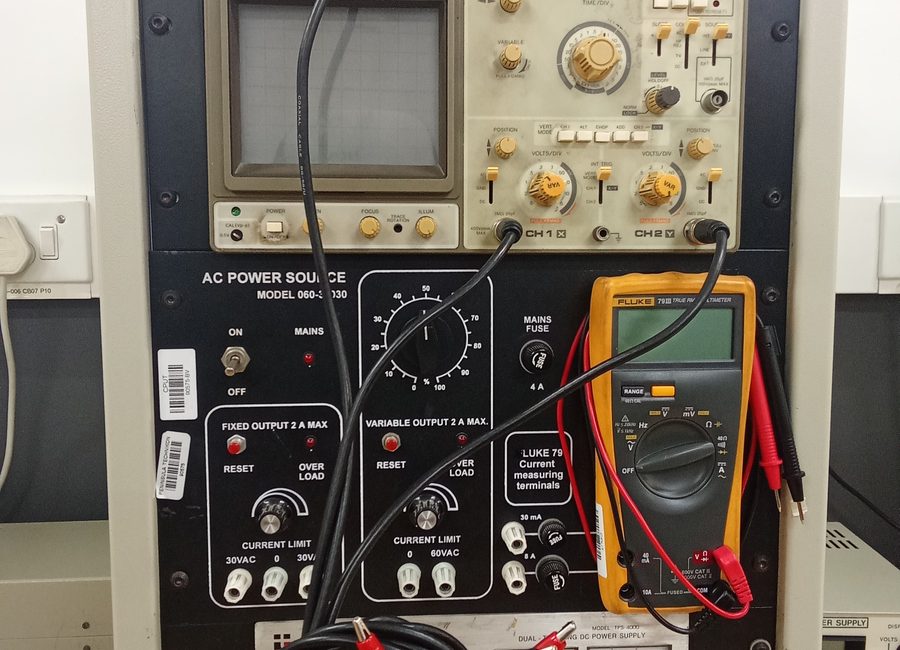
Diagnostic tools

Virus & Malware Removal

Browser pop-ups, suspicious programs and system cleanup support.

  • Malware scan and cleanup
  • Suspicious app removal
  • Browser cleanup
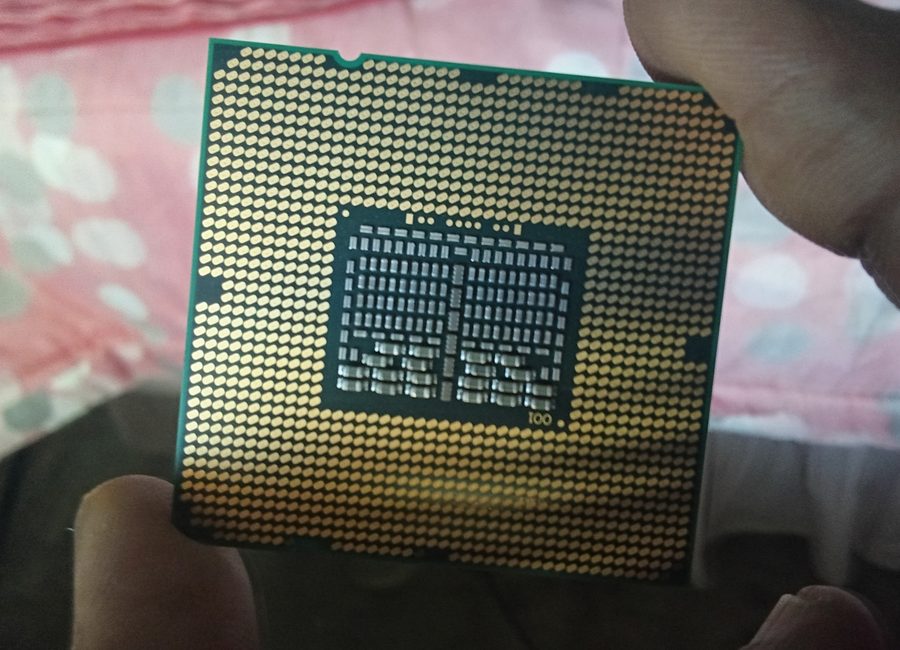
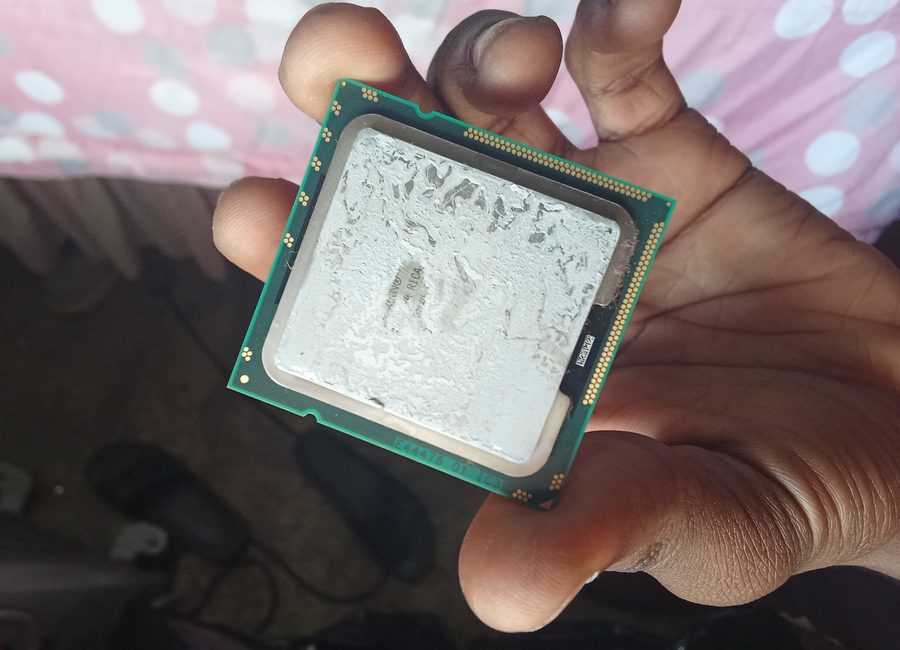
CPU work

Upgrades

RAM, SSD and performance improvement support for laptops and PCs.

  • RAM and SSD advice
  • Upgrade assistance
  • Speed improvement checks

Software & OS Installation includes

  • Windows installation support
  • Driver installation
  • Basic software setup
  • System updates
  • Performance optimization
  • Backup advice before formatting

Virus & Malware Removal includes

  • Malware scan
  • Browser pop-up removal
  • Startup cleanup
  • Suspicious app removal
  • System speed check
  • Advice to avoid reinfection

Hardware Repair includes

  • RAM and SSD support
  • Battery and charging checks
  • Display troubleshooting
  • Cleaning and inspection
  • Part advice before buying
How it works

Simple repair process

Clients know what happens before handing over a phone, laptop or PC.

1

WhatsApp first

Send your device model, problem, and pictures or a short video.

2

Problem check

I ask quick questions to understand what happened before the fault started.

3

Quick diagnosis

You get a clear explanation of the likely cause and next step.

4

Price confirmed

Starting prices are shared first. Parts are confirmed separately if needed.

5

Repair or setup

Repair, installation, cleanup or setup is done with updates where needed.

6

Test before paying

You test the device or setup so you know the issue was handled.

Booking / Request

Build a WhatsApp repair request

This does not store anything on the website. It simply prepares a clear WhatsApp message so I can diagnose faster.

Tip: send pictures or a short video after the message opens in WhatsApp.
WA

Display Settings

Choose the look you prefer. Your choice is saved on this device.

Accent colour