Repairs • Upgrades • Support

Affordable tech support in Cape Town.

Affordable tech support in Cape Town. Repairs, upgrades, software fixes, virus removal, and WiFi troubleshooting.
Calvin's Tech Support diagnostics
FastWhatsApp response
LocalCape Town support
StudentAffordable pricing

Fast responseWhatsApp first
Clear diagnosisProblem explained
Affordable pricingStudent-run support
LocalCape Town areas
Official Banner

Calvin's Tech Support services

The full service banner is shown large so clients can read it properly.

Services

What I can help with

Clear tech support for phones, laptops, desktops, software problems and home WiFi issues.

See prices
Phone repair work

Phone Repairs

Battery, charging, screen-related support and general phone troubleshooting.

  • Battery and charging checks
  • Screen-related diagnosis
  • Basic phone setup and cleanup
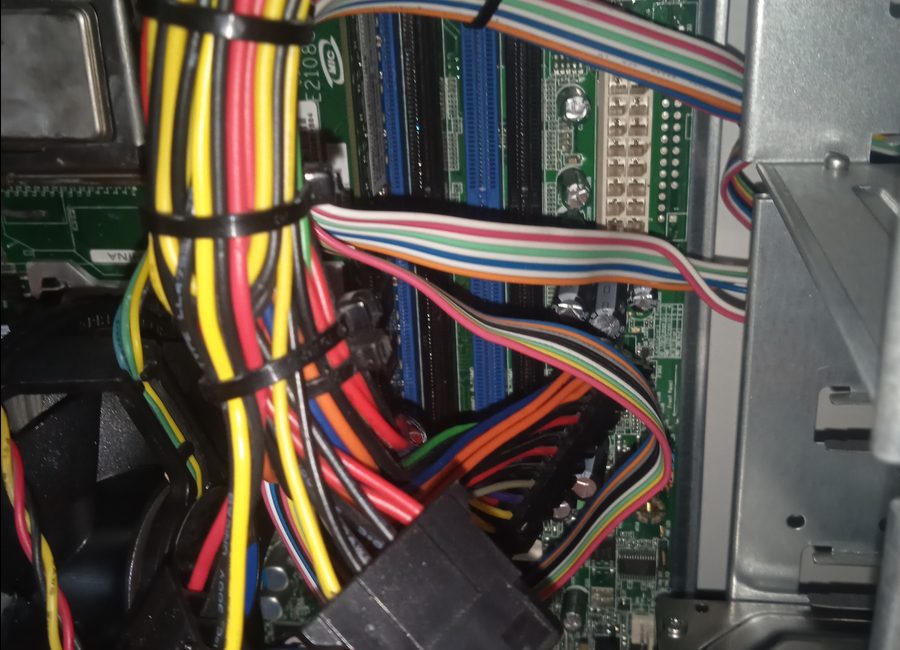
Desktop computer wiring

PC & Desktop Repairs

Hardware checks, wiring checks, cleaning, diagnostics and upgrade support.

  • Power and display checks
  • Internal wiring inspection
  • Cleaning and performance checks
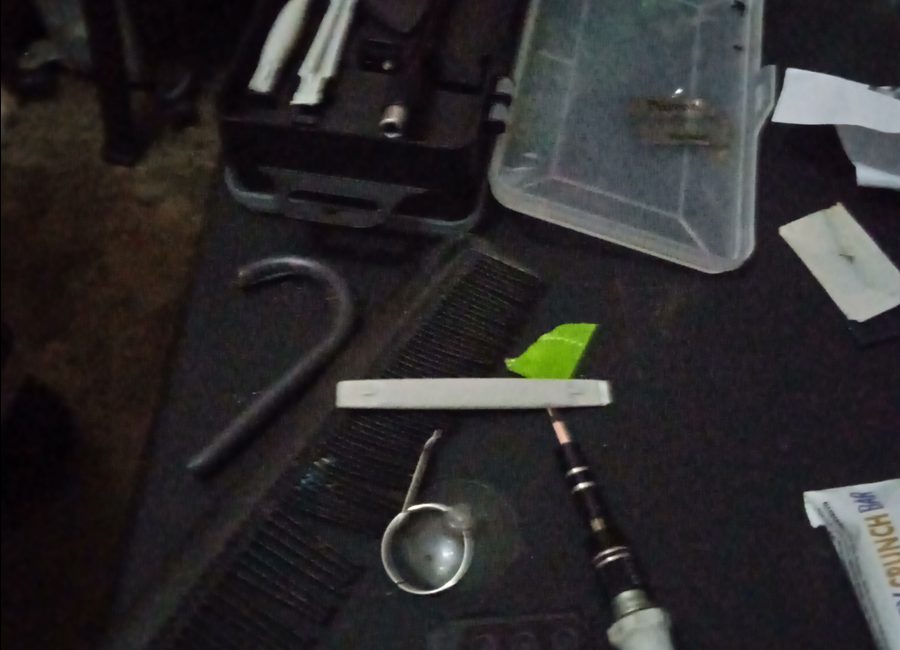
Component level repair

Component-Level Work

Board inspection, small component checks, diagnostics and repair guidance.

  • Board visual inspection
  • Connector and component checks
  • Advice before replacement
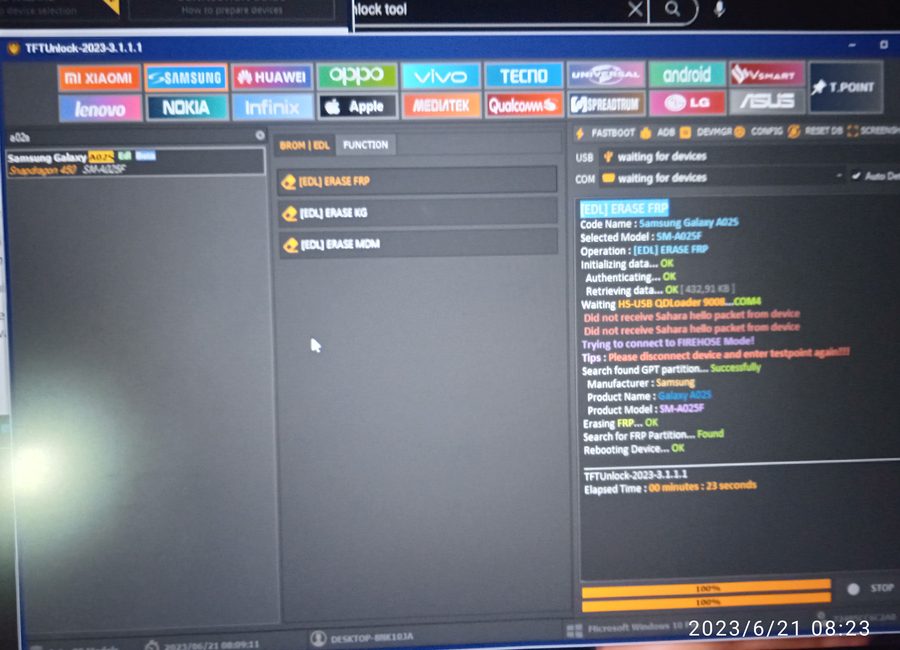
Software setup screen

Software & OS

Windows setup, drivers, basic software installation, system optimization and fixes.

  • Windows installation support
  • Drivers and updates
  • Startup and speed cleanup
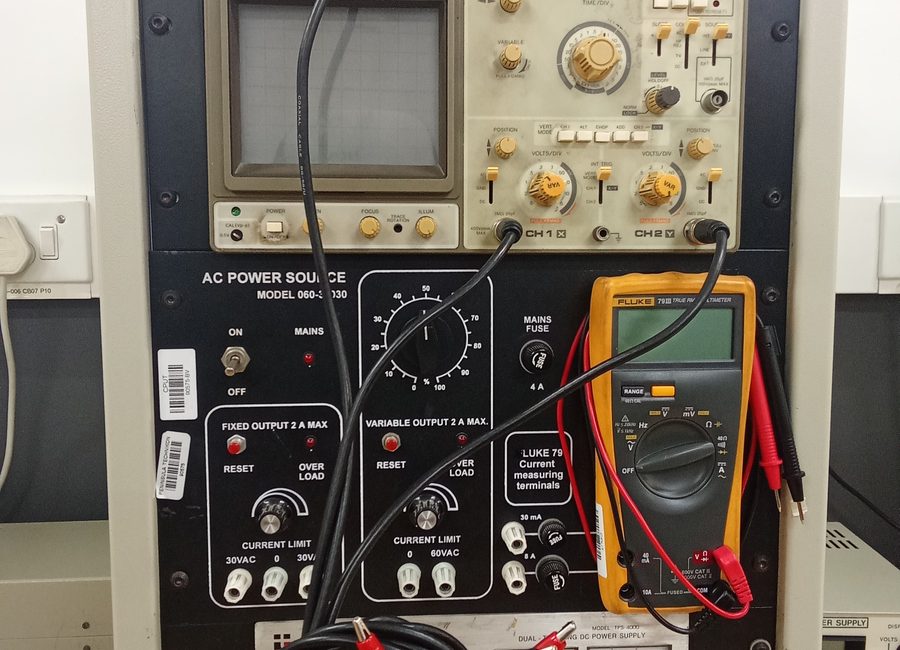
Diagnostic tools

Virus & Malware Removal

Browser pop-ups, suspicious programs and system cleanup support.

  • Malware scan and cleanup
  • Suspicious app removal
  • Browser cleanup
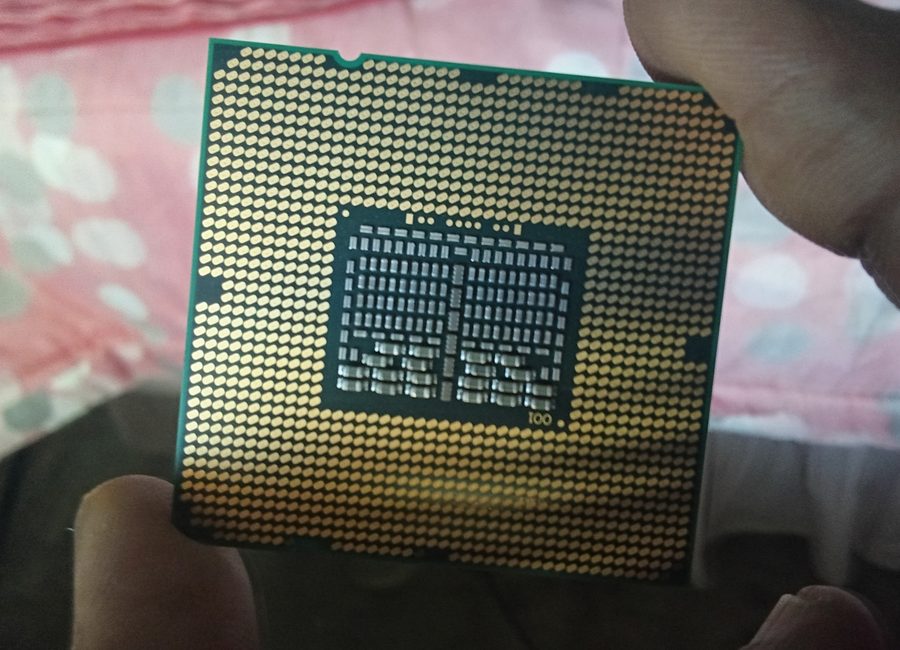
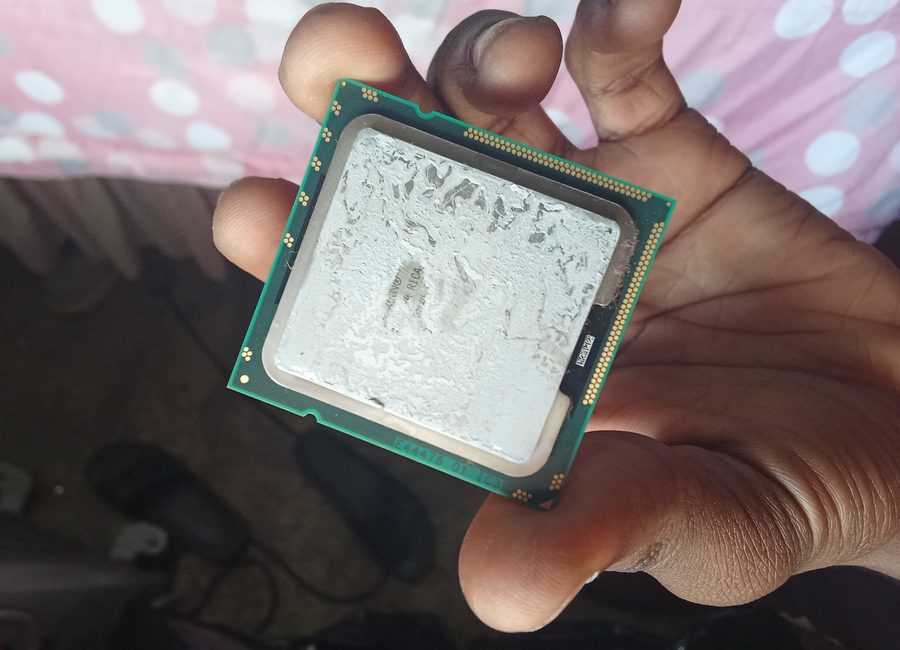
CPU work

Upgrades

RAM, SSD and performance improvement support for laptops and PCs.

  • RAM and SSD advice
  • Upgrade assistance
  • Speed improvement checks
Common Problems

Problems I can help with

People normally search by problem, so this section makes the site clearer and easier to understand.

View all problems
Slow laptop or PC
Windows not booting
Virus pop-ups
Phone not charging
Battery draining fast
White / black screen issue
WiFi connected but no internet
Drivers or software errors
Router setup problems
Need RAM / SSD upgrade
How it works

Simple repair process

Clients know what happens before handing over a phone, laptop or PC.

1

WhatsApp first

Send your device model, problem, and pictures or a short video.

2

Problem check

I ask quick questions to understand what happened before the fault started.

3

Quick diagnosis

You get a clear explanation of the likely cause and next step.

4

Price confirmed

Starting prices are shared first. Parts are confirmed separately if needed.

5

Repair or setup

Repair, installation, cleanup or setup is done with updates where needed.

6

Test before paying

You test the device or setup so you know the issue was handled.

Diagnostics Report

Clear report before repair

A proper check can include the problem description, possible cause, recommended fix, estimated cost and parts needed. This makes the service feel more organised and professional.

View diagnostics details
DeviceLaptop / Phone / PC
IssueFault symptoms checked
CauseLikely reason explained
FixRecommended next step
CostEstimate before work
Proof of Work

Gallery preview

Real work examples build trust and make the site feel active.

Open gallery
Service Area

Areas I currently cover

Affordable tech support available in selected Cape Town areas for now. Message first so we can confirm timing and arrangement.

Contact Me

Cape Town support areas

I currently assist clients around Cape Town CBD, Observatory, Parow, Bellville and Belhar.

Cape Town CBDObservatoryParowBellvilleBelhar

Before you come through

  • Send the device model and issue on WhatsApp.
  • Send pictures or a short video if possible.
  • Confirm your area and the best time.
Booking / Request

Build a WhatsApp repair request

This does not store anything on the website. It simply prepares a clear WhatsApp message so I can diagnose faster.

Tip: send pictures or a short video after the message opens in WhatsApp.

Need help with a device?

Send me a WhatsApp with the device name and the problem.

WhatsApp 068 394 7321
WA

Display Settings

Choose the look you prefer. Your choice is saved on this device.

Accent colour